Documentation > The Lens Inventory Setup Wizard
The Lens Inventory Setup Wizard is designed to help you quickly configure your inventory and establish initial pricing, so you can start using the system with minimal effort.
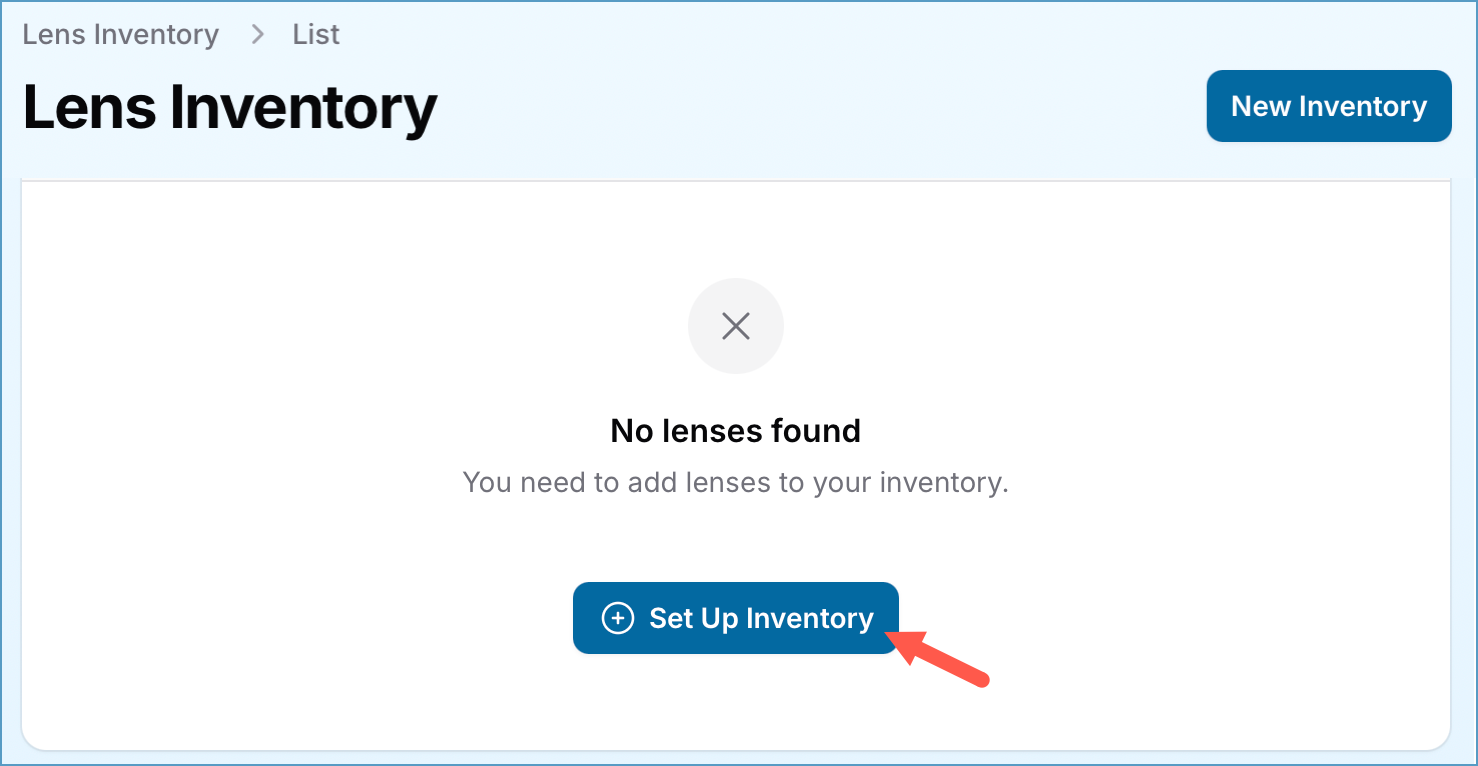
The Lens Inventory Setup Wizard will be available when you do not have any active lenses in your practice inventory.
How It Works
1. Begin by choosing which manufacturers’ products you want to include in your inventory.
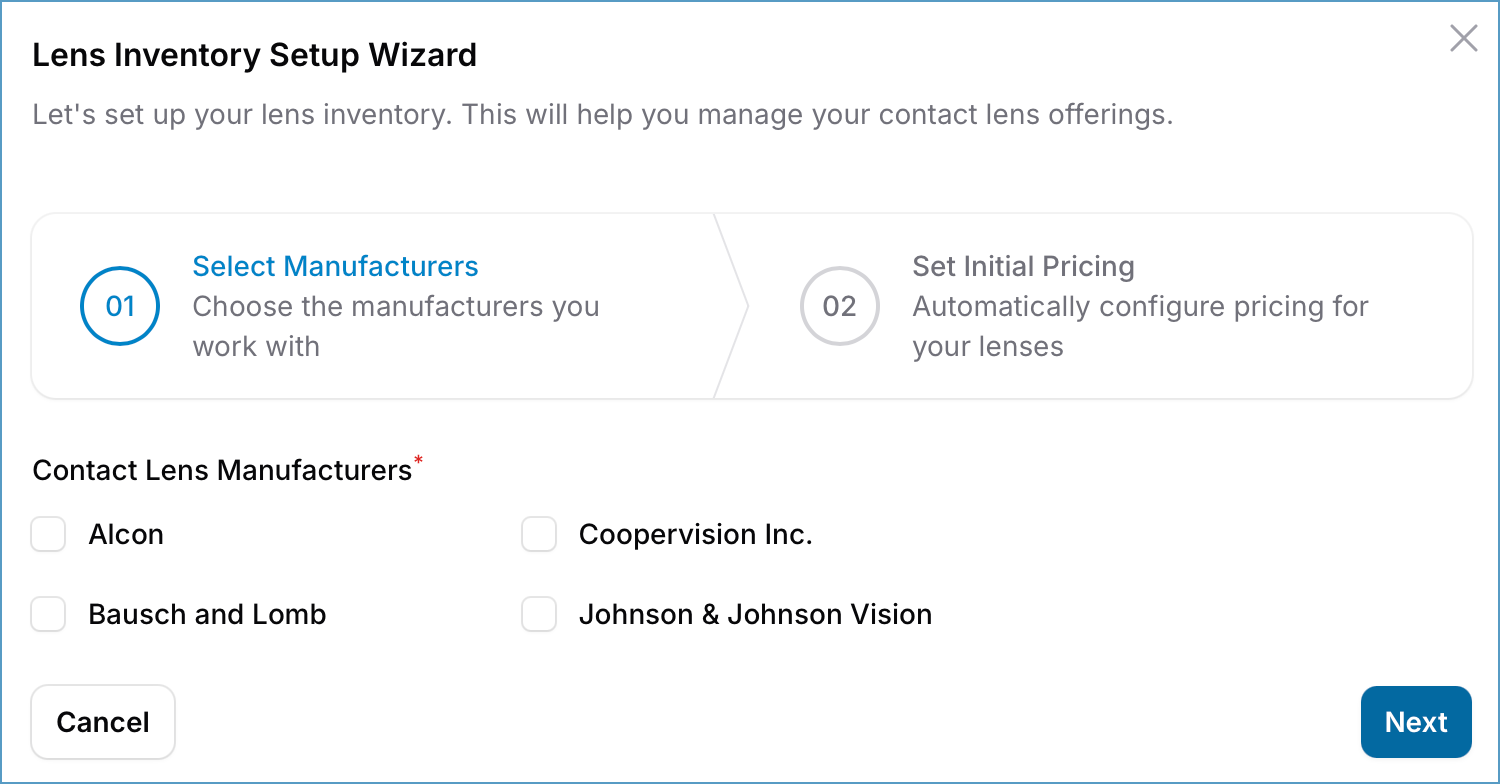
You can select one, several, or all of these companies to import their lenses into your system.
(Contact lenses from other manufacturers can be added later)
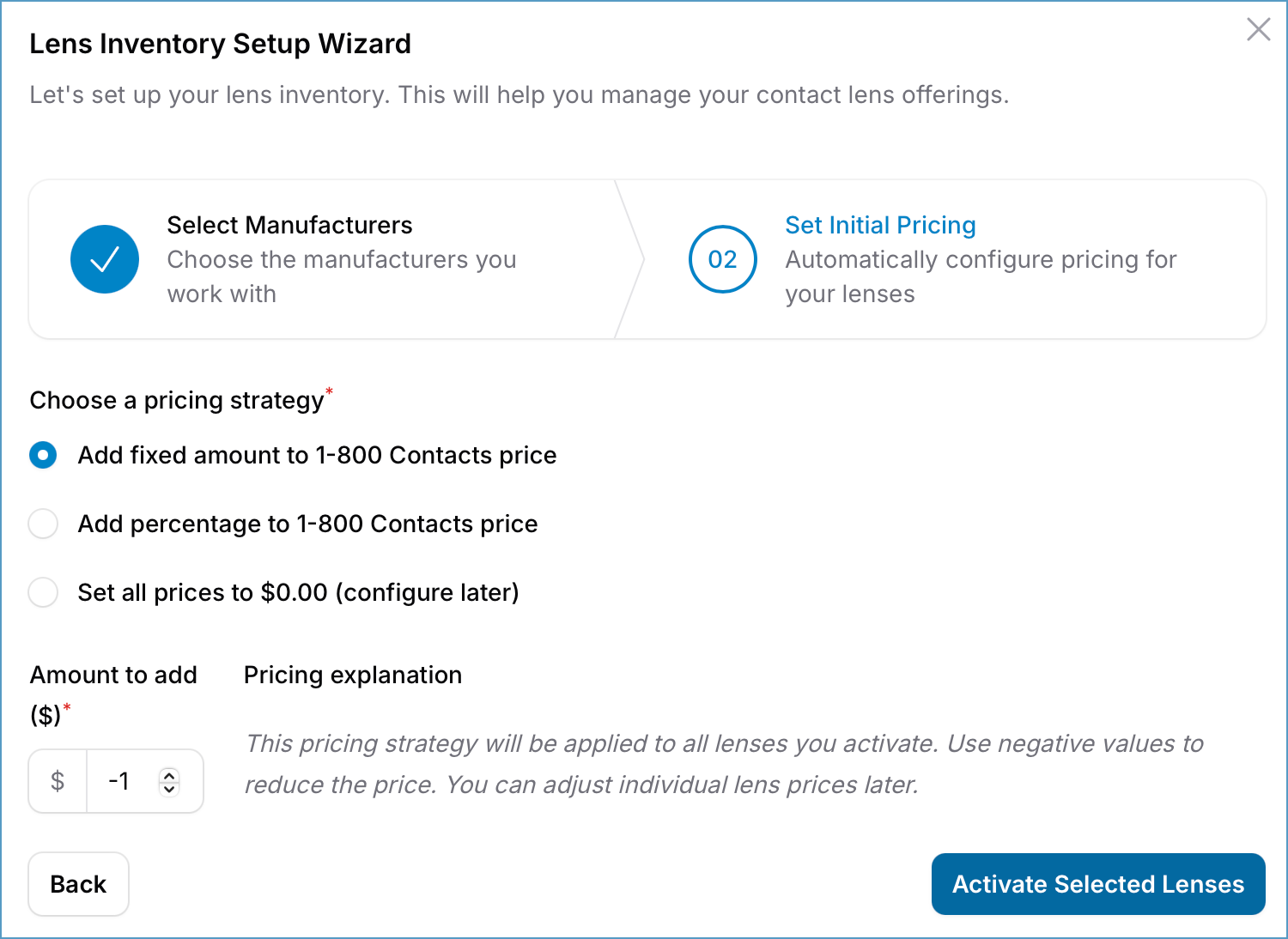
2. Choose an Initial Retail Pricing Formula.
Set your initial retail prices using one of the following strategies:
Pro Tip: Pricing formulas also accept negative values. For example, to set prices $1 below 1800contacts, select “Add Fixed Amount” and enter “-1.”
3. Import Lenses:
Once you’ve selected the companies and pricing formulas, the Wizard will automatically import all lenses from the chosen manufacturers into your inventory. Initial prices will be set based on the formula you selected, saving you time and effort.
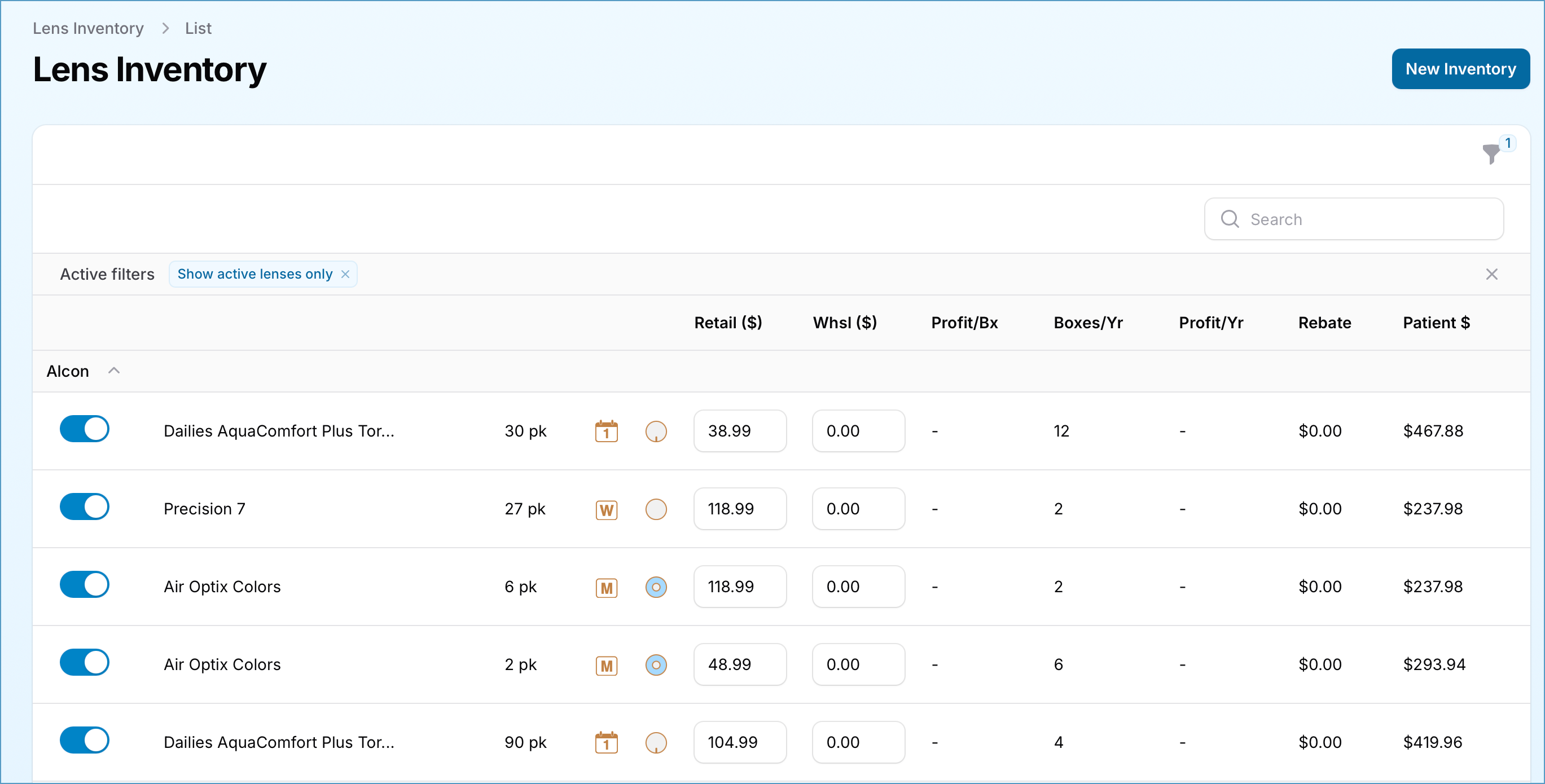
See the Managing Practice Inventory documentation.