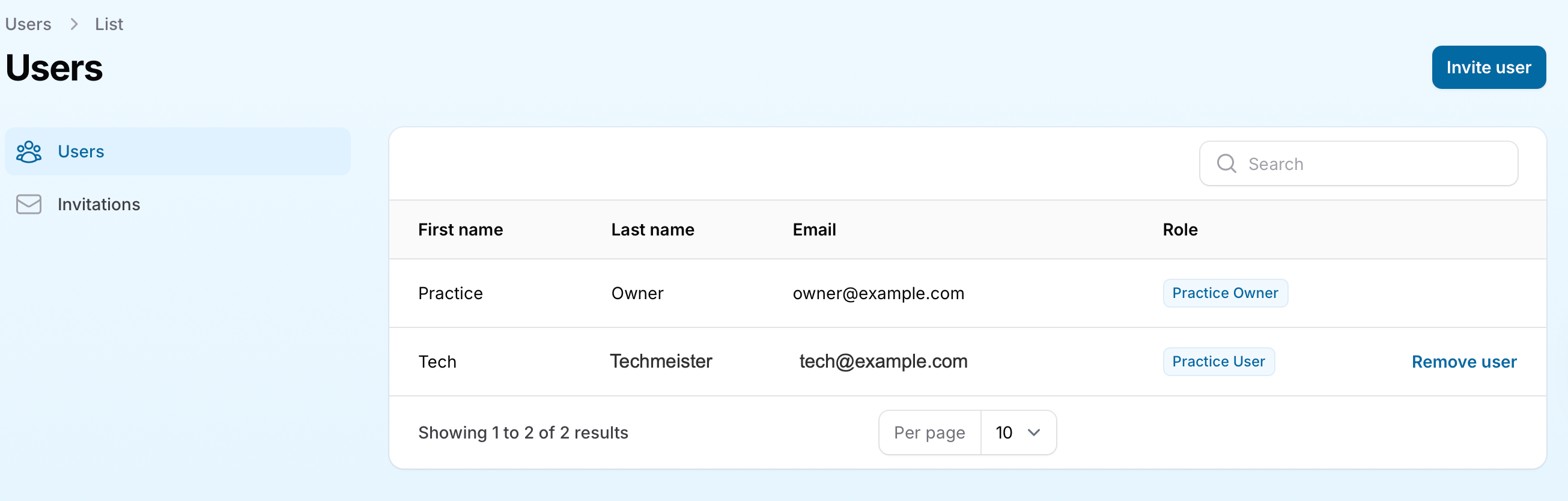
EyeDock PM allows practices to manage their team members by assigning user roles and permissions. There are two types of users in EyeDock PM: Practice Owners and Practice Users.
User Roles and Permissions
Practice Owners
Practice Owners have full administrative access to the system. They can:
Manage contact lens details (add lens brands, set prices, and configure private labels).
Add or remove practice locations.
Add or remove Practice Users.
Practice Users
Practice Users have limited access and can:
Create contact lens price quotes for patients.
However, Practice Users do not have permission to manage lens details, practice locations, or user accounts.
Separating users into these roles provides flexibility in assigning responsibilities. Practices can decide how to distribute these roles based on their needs. For example:
A single Practice User account may be shared by all employees for simplicity.
Alternatively, creating individual accounts for each employee allows for better control, such as quickly removing access if an employee leaves the practice.